

You’re logged. Grab your card.
CHECKED IN
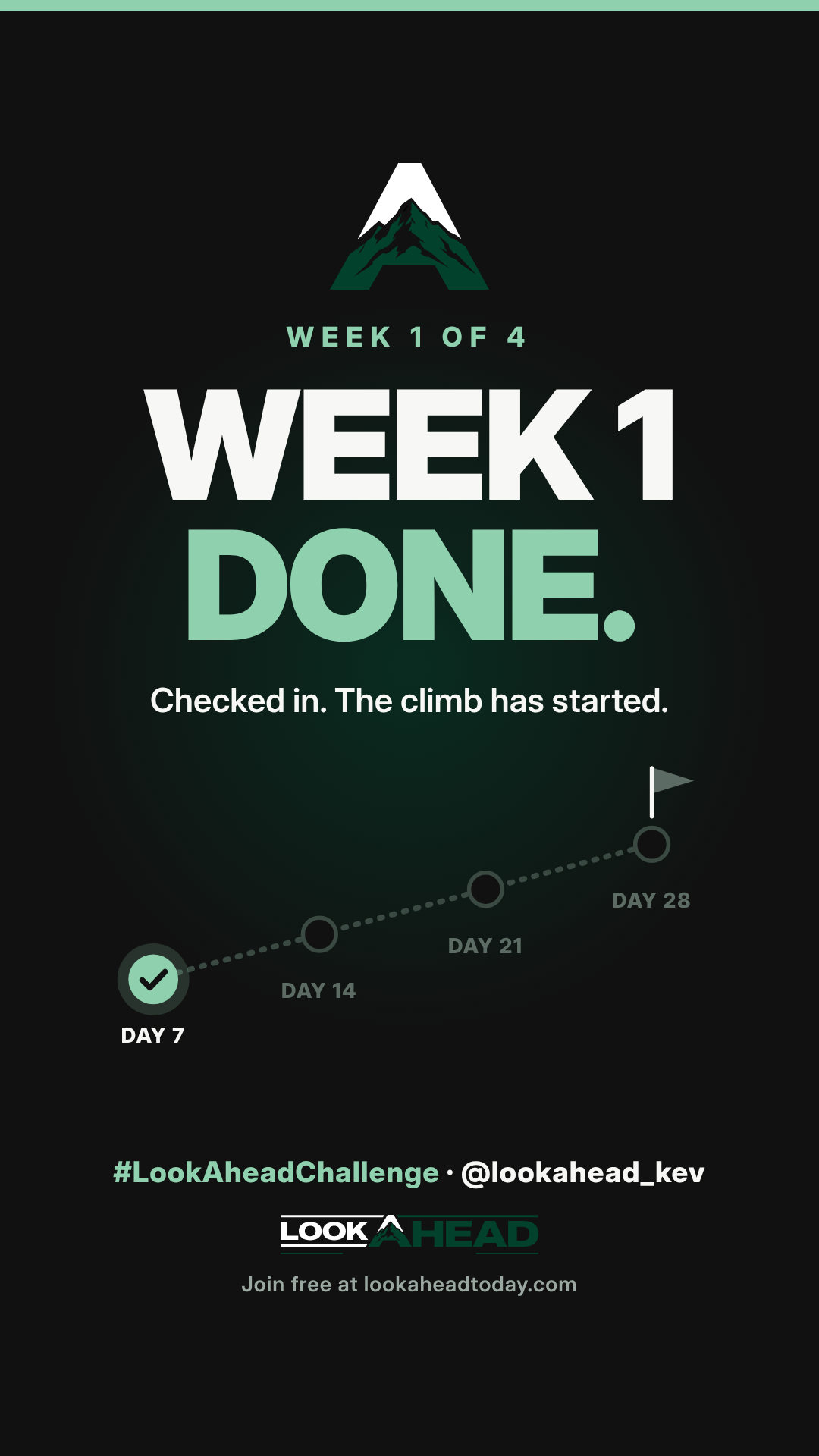
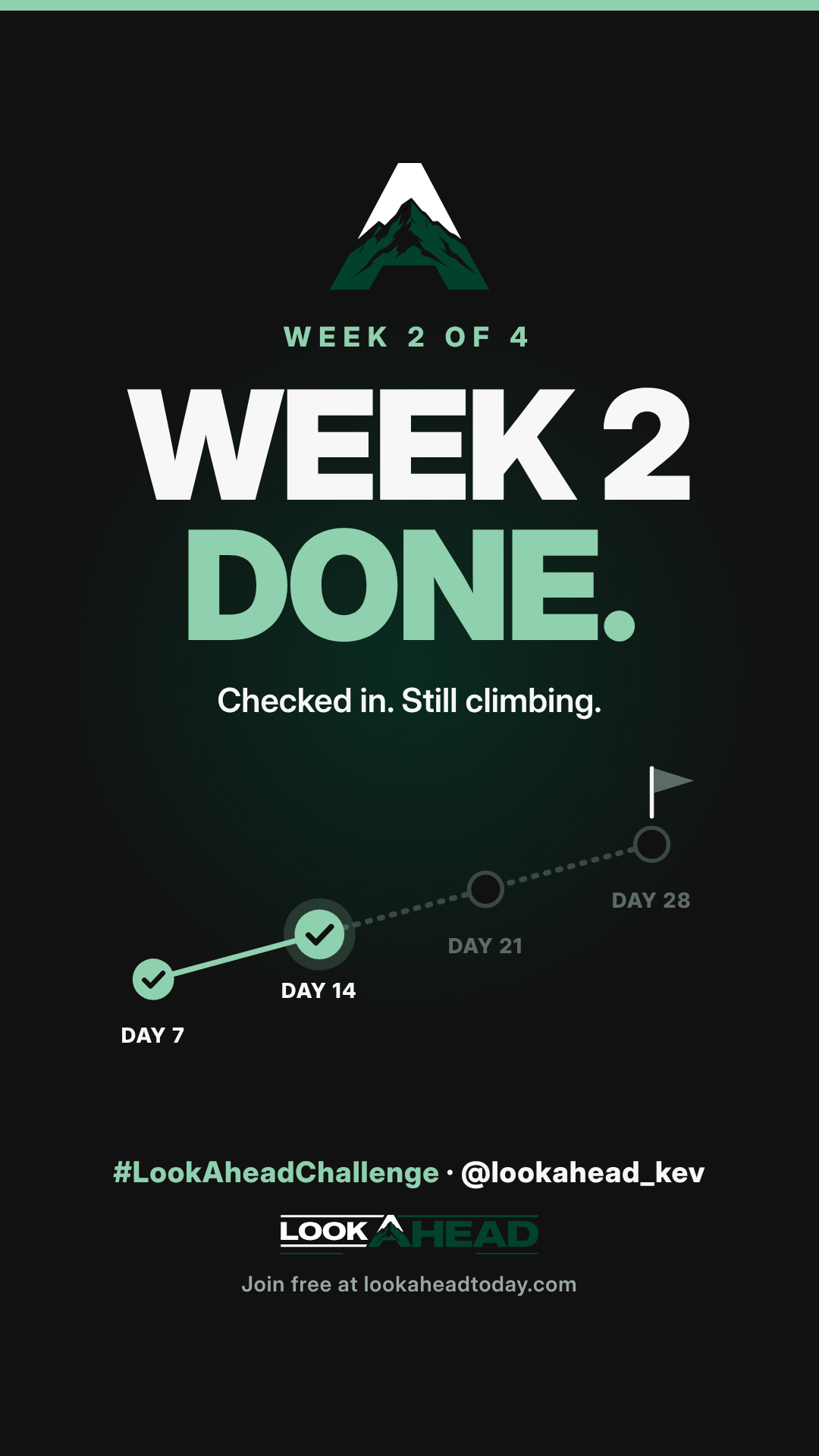
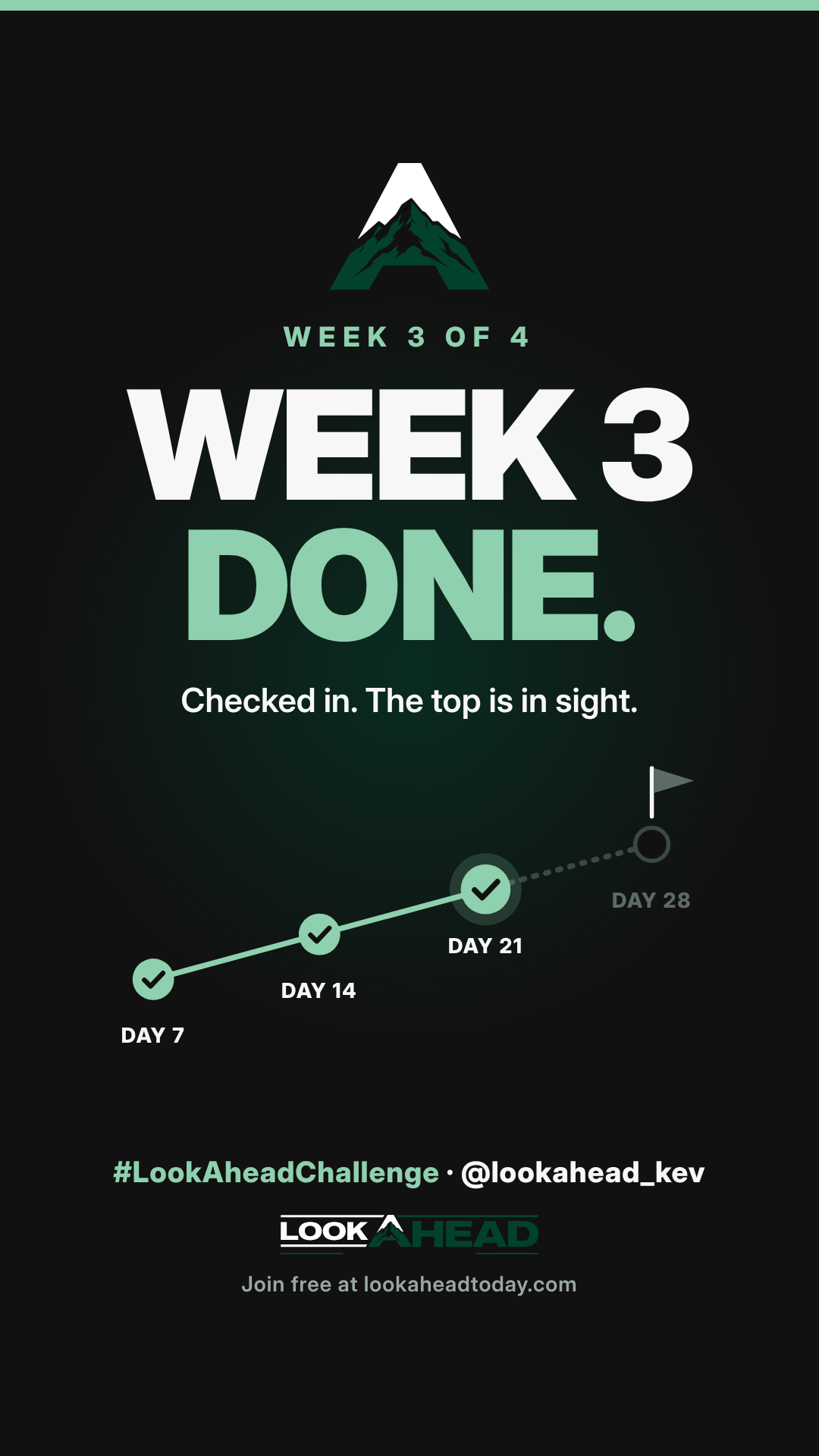
Pick the card for the week you just logged. Save it, post it to your story and tag @lookahead_kev with #LookAheadChallenge. That’s how this thing spreads.
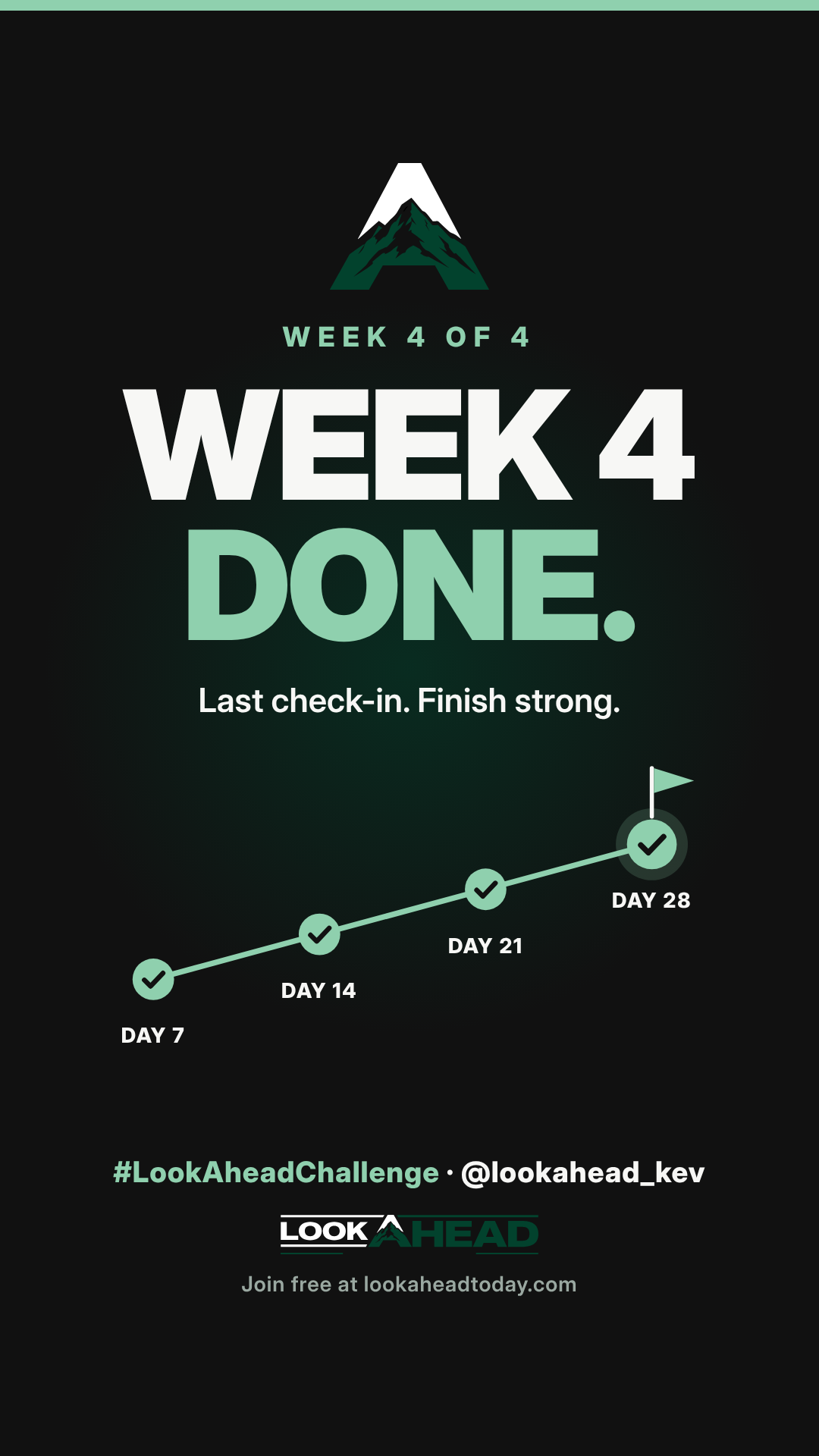
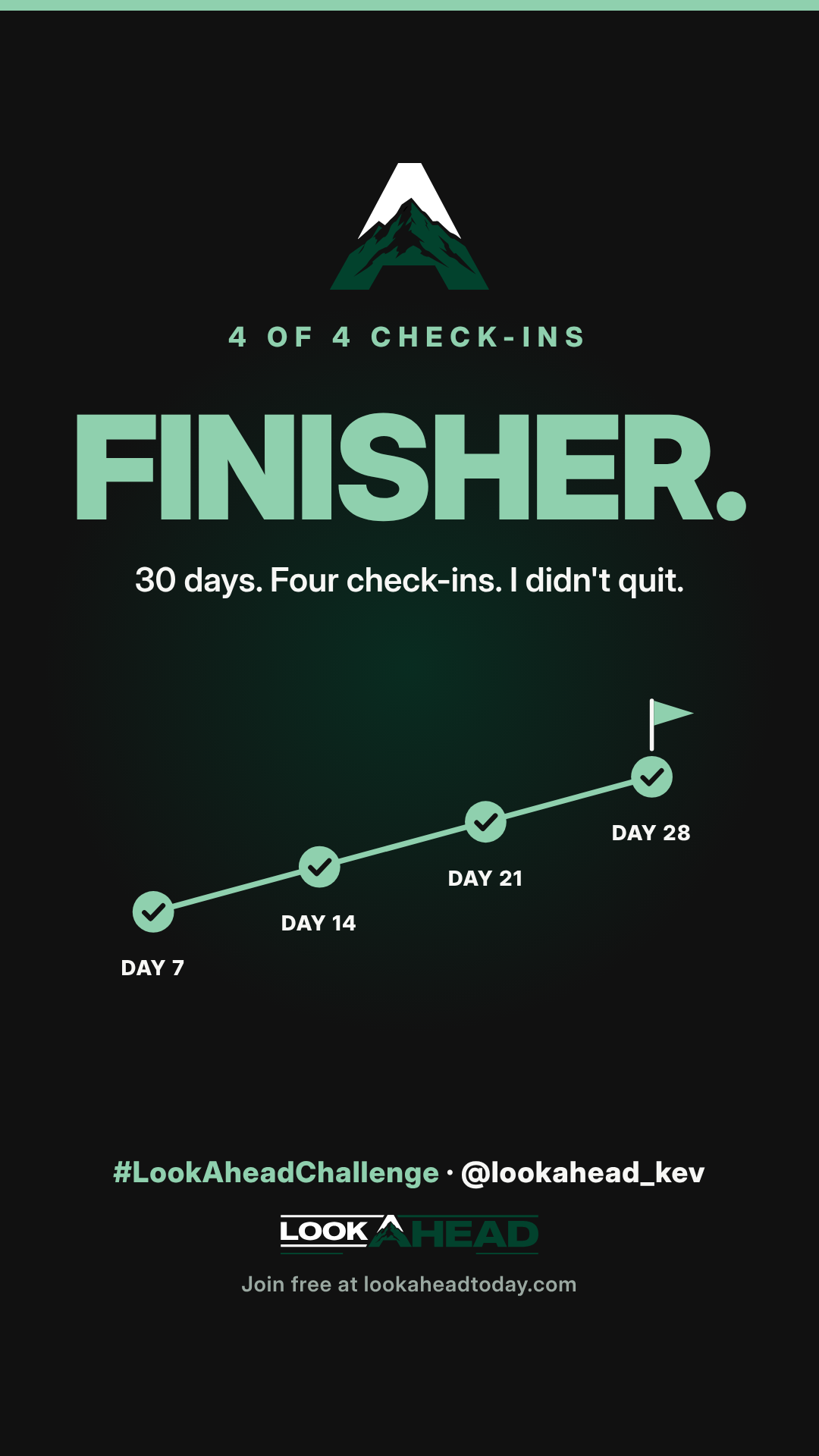
For your 4th check-in. You earned it.
HOW TO POST IT
Tap the Save button under your card. It opens full size.
Press and hold the image. iPhone: Save to Photos. Android: Download image.
Open Instagram, tap +, choose Story and pick the card.
Add your own words or your score with a text sticker if you want. Tag @lookahead_kev.